ScratchBook
Take notes, keep them organized.

An Easy Way To Jot Down Notes
Take notes, keep them organized. ScratchBook is a free, simple, easy-to-use, multi-page scratchpad application for macOS. Jot things down quickly and simply: no choosing folders, adding tags or any other distractions.
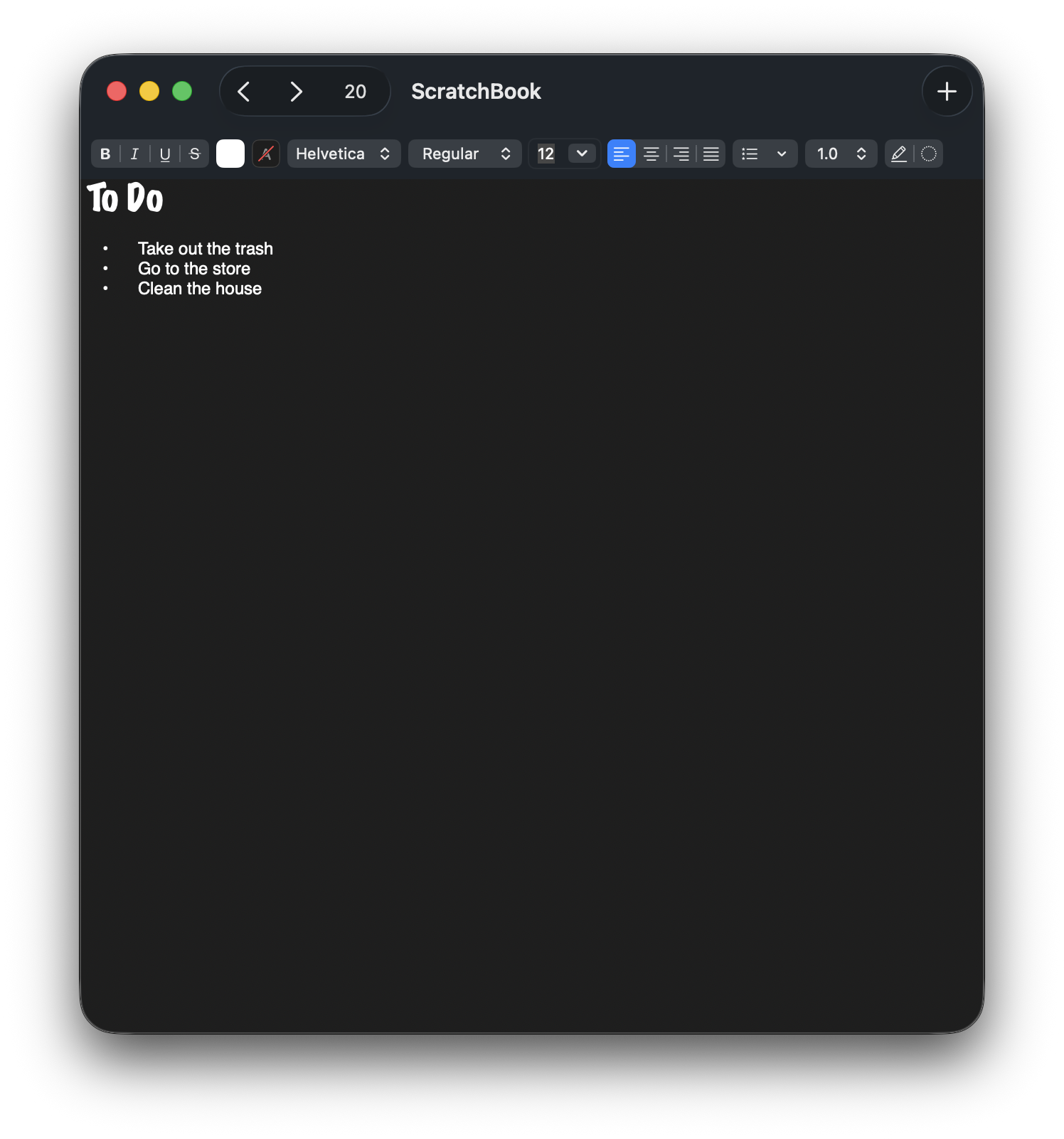
ScratchBook is version 2.0 of a small application that used to be called ScratchPad. This version is a complete rewrite from the ground up using modern macOS technologies such as SwiftUI. It runs natively on both Intel and Apple Silicon Macs and supports modern macOS features such as Dark Mode.
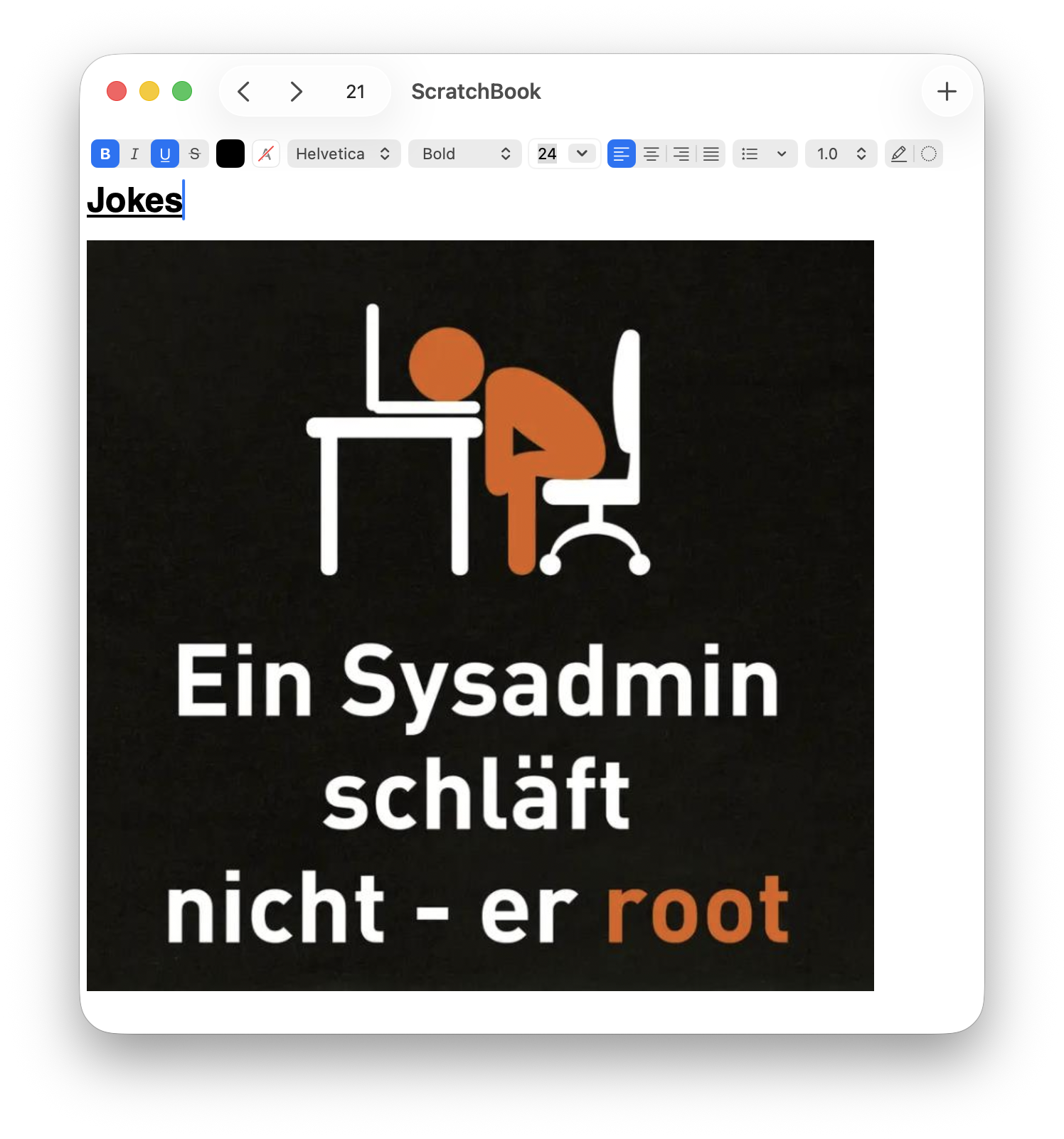
ScratchBook includes many features to help you take notes:
Multiple Pages
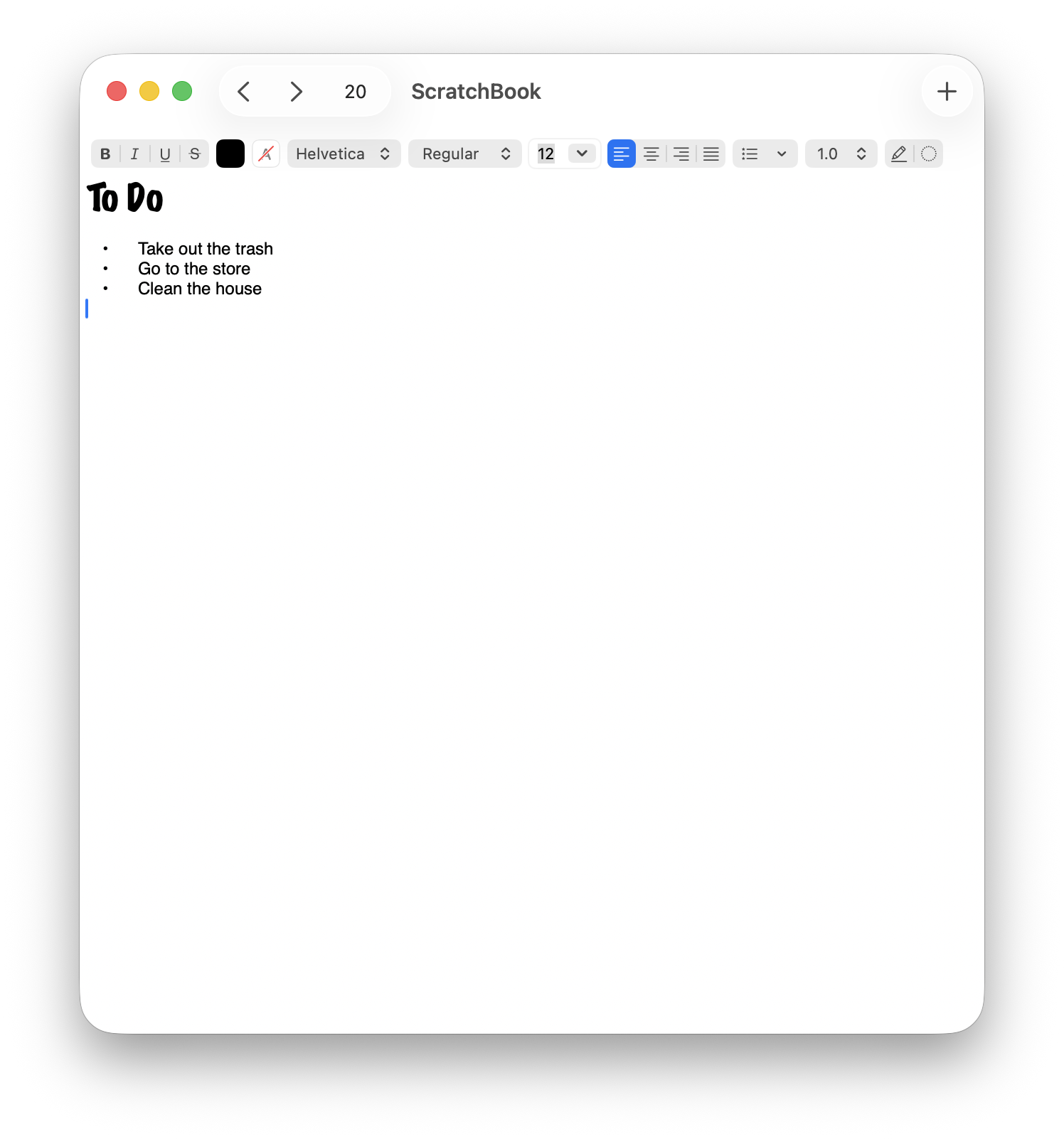
ScratchBook allows you to create multiple pages to keep your notes organized. You can easily switch between pages and even export them in a TextEdit-compatible .rtfd format.
Rich Text Formatting
ScratchBook supports macOS's built-in rich text formatting, allowing you to style your notes with bold, italic, underline, and more. You can also add lists, links, and images to make your notes more informative and visually appealing.
Automatic Saving
ScratchBook automatically saves your notes as you type, ensuring that you never lose your work. You can focus on your thoughts without worrying about manually saving your notes.
Text Edit-compatible Files
Notes are saved in TextEdit-compatible .rtfd files which can be stored anywhere on your Mac or iCloud.
Float Above The Others
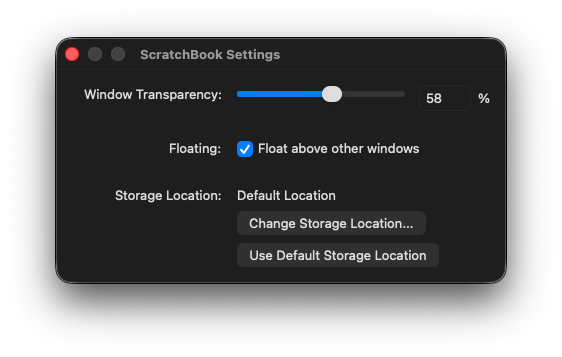
ScratchBook can float above other windows, allowing you to keep your notes visible while working in other applications.
Transparently Easier
ScratchBook allows you to make its window as transparent as you'd like, allowing you to see through the application while keeping your notes accessible.
Import Notes from ScratchPad 1.0
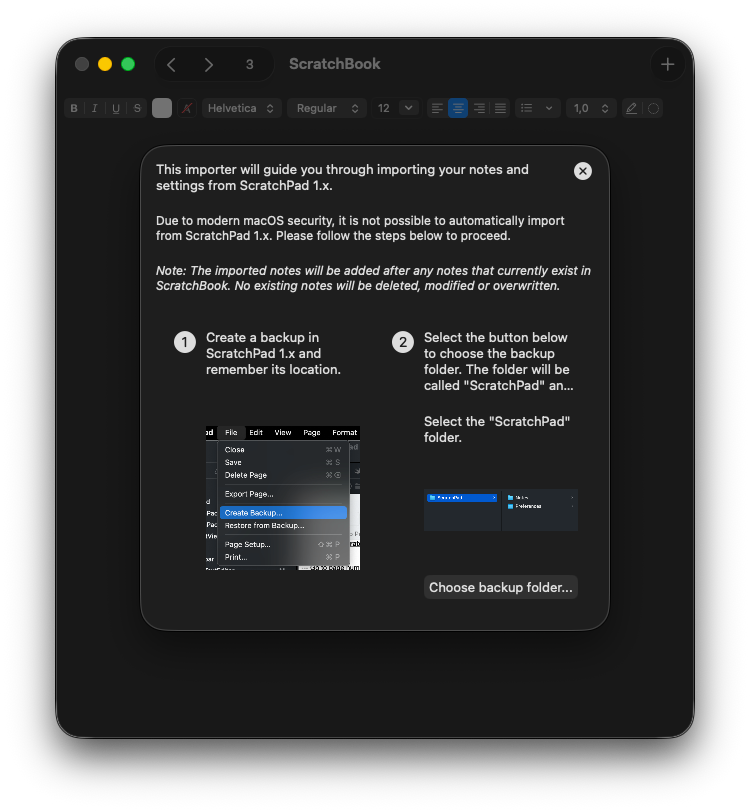
ScratchBook allows you to import notes from the previous version, ScratchPad 1.0, making it easy to transition to the new application without losing your existing notes.
Free and Open Source
ScratchBook is free to use and open source, allowing you to contribute to its development or customize it to suit your needs.
Screenshots
Click on the screenshots to view them in full size.